
Generate common options structures, including verticals, iron condors, and calendars, and quickly toggle debit vs. credit and directional vs. neutral to fit your thesis.
Decisive move with the options trade!
Put your tactics in action with TradeStation.
Options and futures trading is not suitable for all investors.
67% of active traders say they’re deploying the QQQ bearish put spread, too.
Bearish put spreads on QQQ can be aligned to your maximum risk tolerance while generating potential profit if the market moves lower. It's an effective choice when you're bearish on tech but want to control your exposure and limit losses. Be aware, you risk losing the premium paid if the security stays above your breakeven price and there is assignment risk on the short put.
The TradeStation ecosystem, anchored by TITAN X, is built to help you execute complex options strategies with precision. Scroll through to see how we can support your trades.
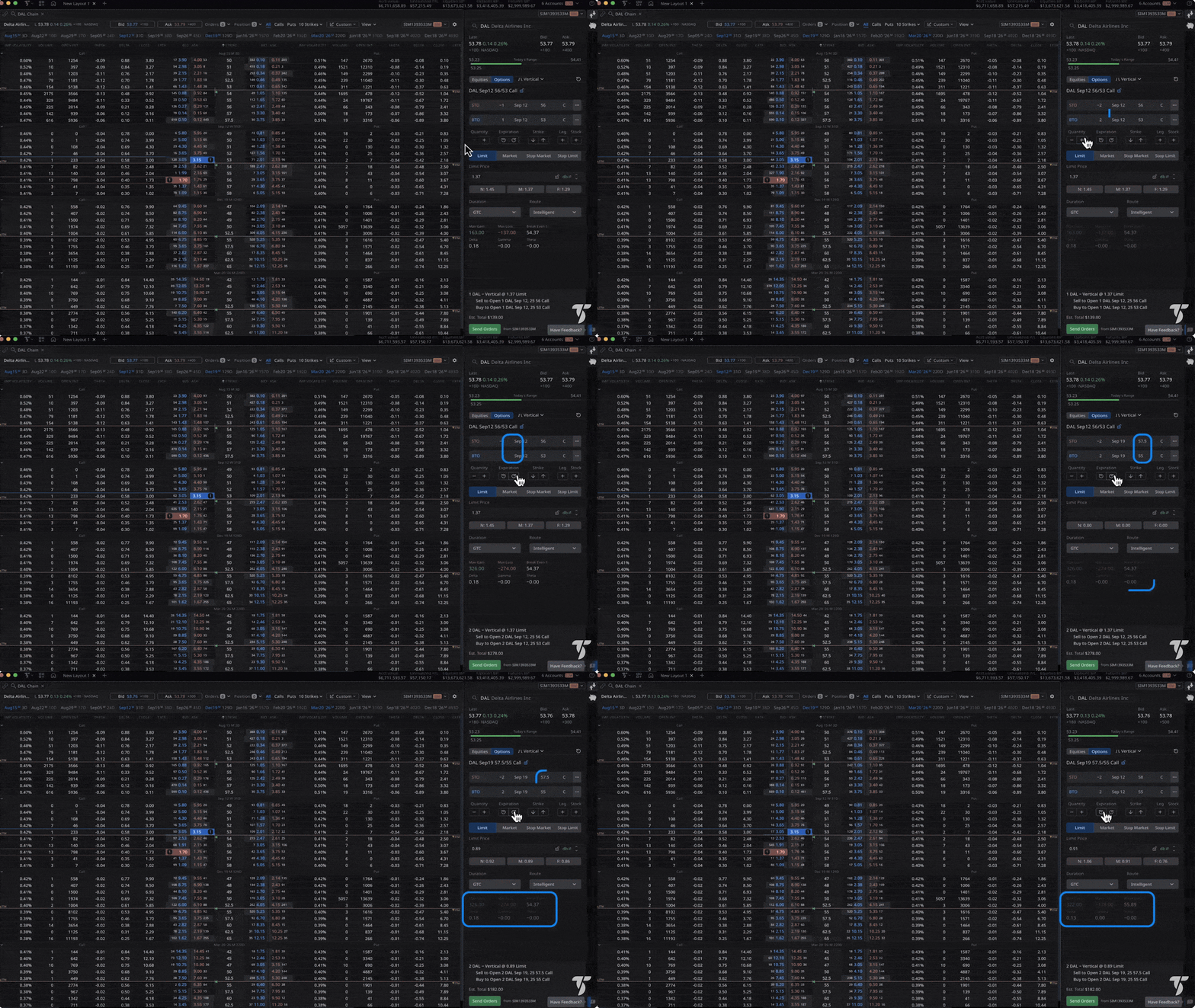
Pre-trade analytics
Preview buying power impact, margin requirements, aggregated Greeks, breakevens, and probability metrics before sending the order.
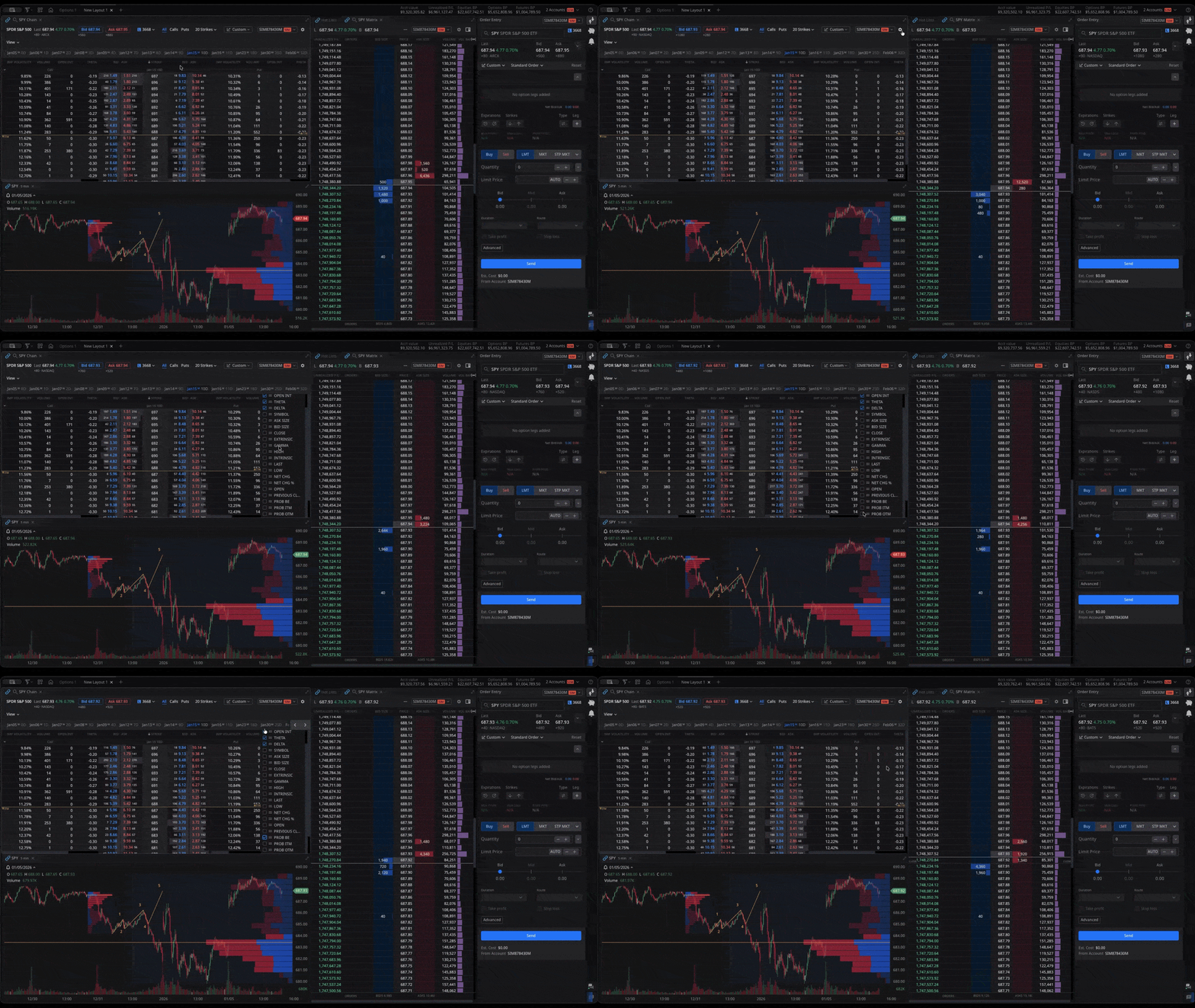
Probability analysis
See the probability of profit before entering any trade. Discover your statistical advantage in every position based on current implied vol and days to expiration.
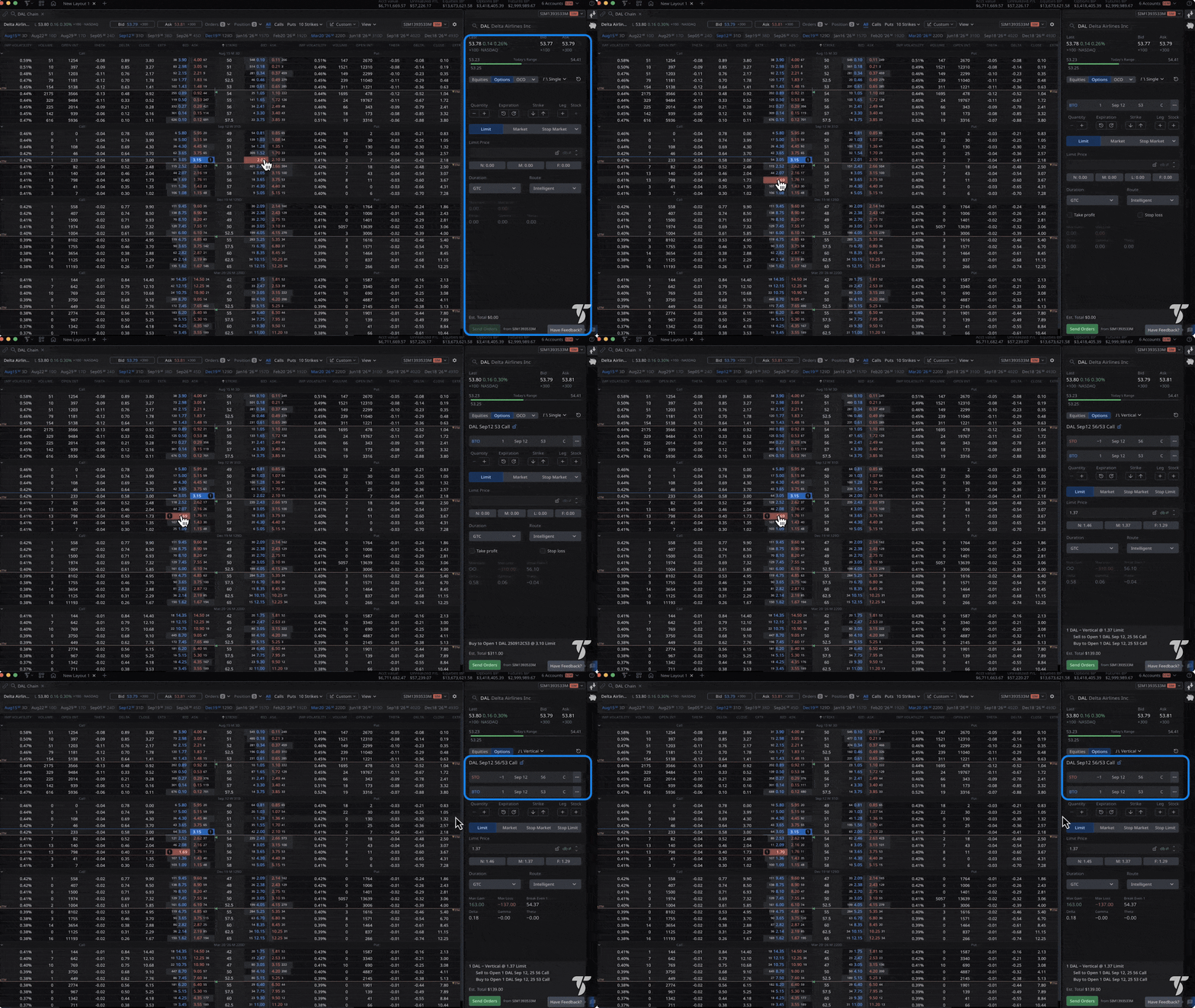
Multi-leg order builder
Execute iron condors, butterflies, calendars, and custom spreads as single multi-leg orders at a net price—designed to minimize legging risk.
Strategy analyzer
Compare buying a call versus a spread versus going long on the equity. See probability of profit calculations and evaluate scenarios based on current implied vol, and more.
Strategy templates and variations
Strike/tenor guidance
Use price‑slice and probability thresholds to home in on strikes/expiries that meet your target win rate or breakeven distance before routing.
Greek and sensitivity breakdown
Aggregate Delta/Theta/Vega per candidate strategy, then adjust price, days, and IV to see how decay and volatility may shift your P/L.
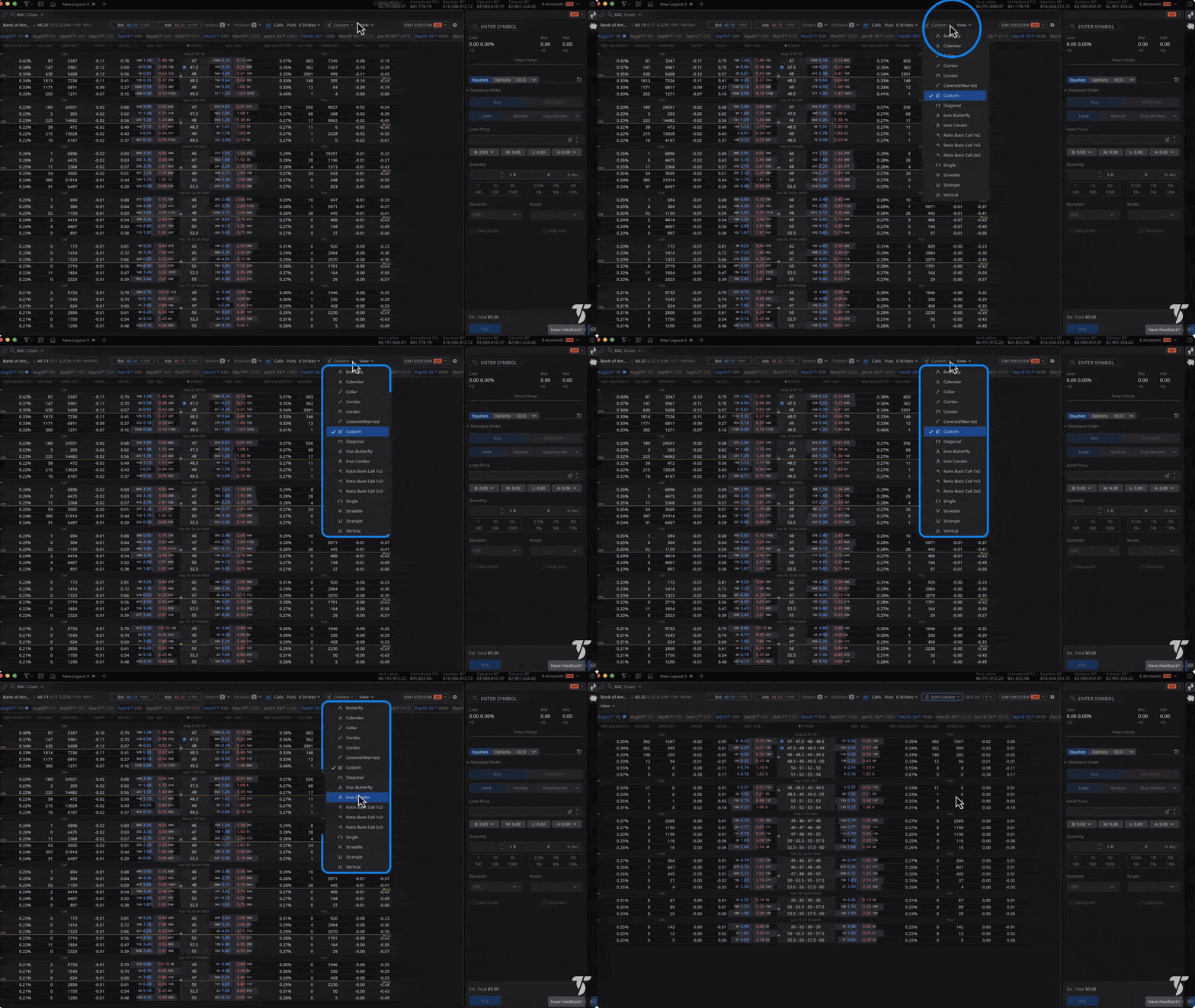
Strategy-level management
Treat filled spreads as one unit with one-tap close/roll, strategy-level P/L and Greek tracking, and custom alerts when risk shifts.
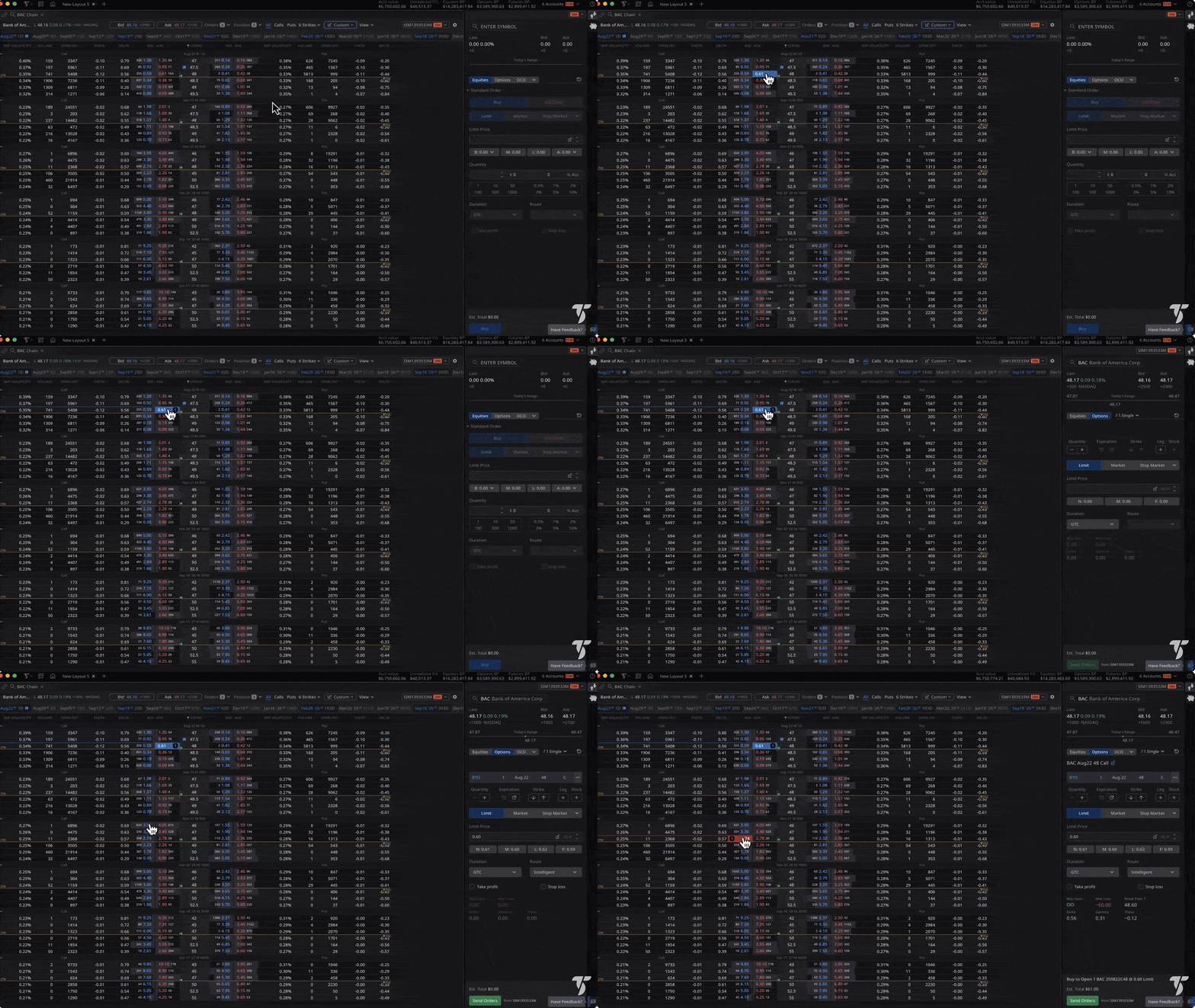
Ticket-level precision
Auto-build legs from the chain with correct ratios, net debit/credit preview, and confirmations that show combined bid/ask and key risk checks.
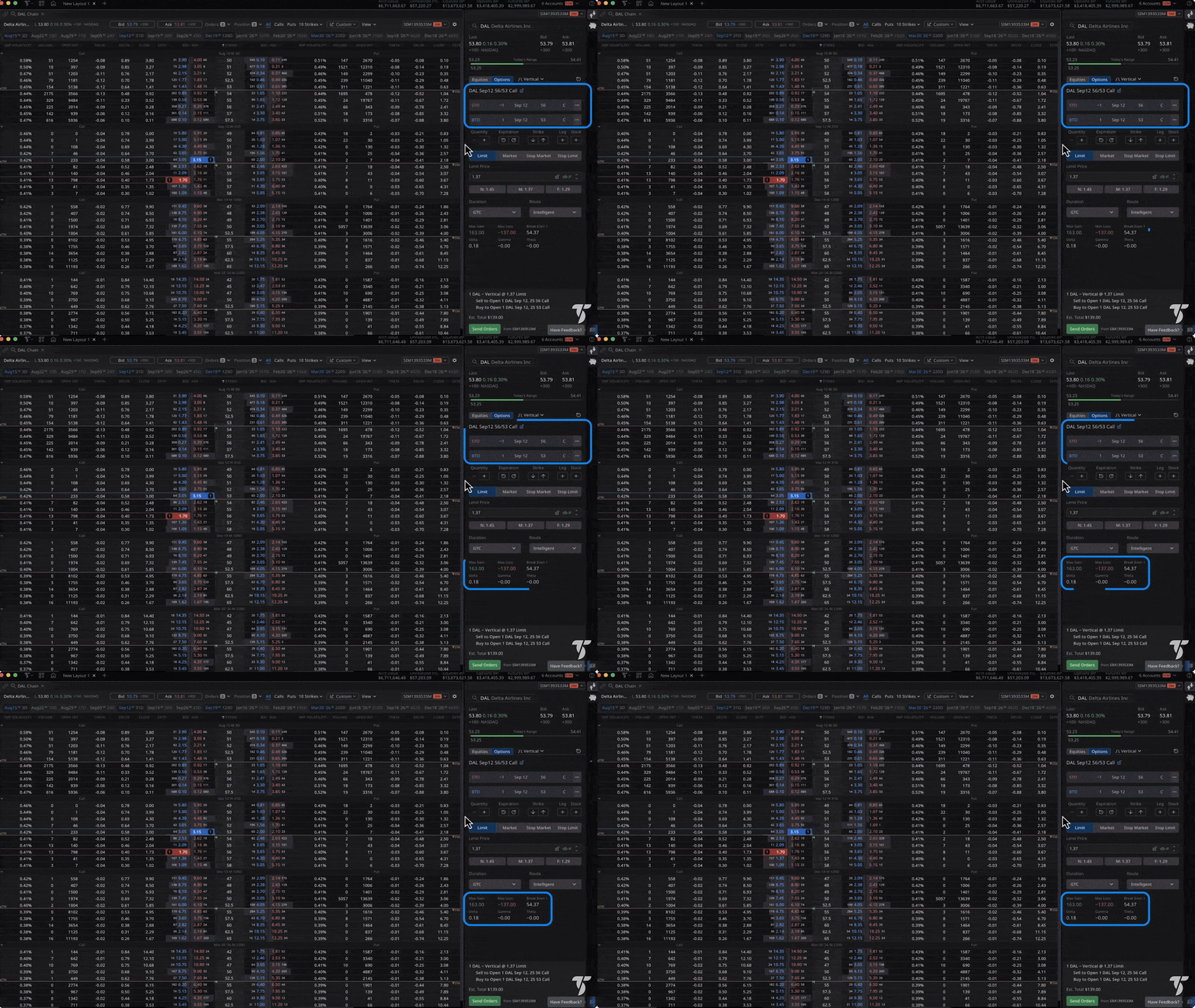
Capital-aware risk metrics
See max profit/loss, risk-reward ratio, and estimated buying power/margin impact for each alternative to size positions intelligently.
IV rank & percentile
Know if options are historically cheap or expensive. See implied vol charts over 52 weeks. Compare IV across related underlyings to find opportunities.
Strategy alignment
Use IV rank to help choose tactics— many traders favor selling credit spreads or condors when IV is elevated and opt for debits (calendars or long strangles) when IV is low.
Scan at scale
Add IV rank/percentile columns to RadarScreen to sort 1,000 symbols in real time and surface high‑RV vs low‑RV candidates fast.
Portfolio level volatility context
Combine rank/percentile with skew and term‑structure views to detect regime shifts and calibrate wing widths and expiries across positions.
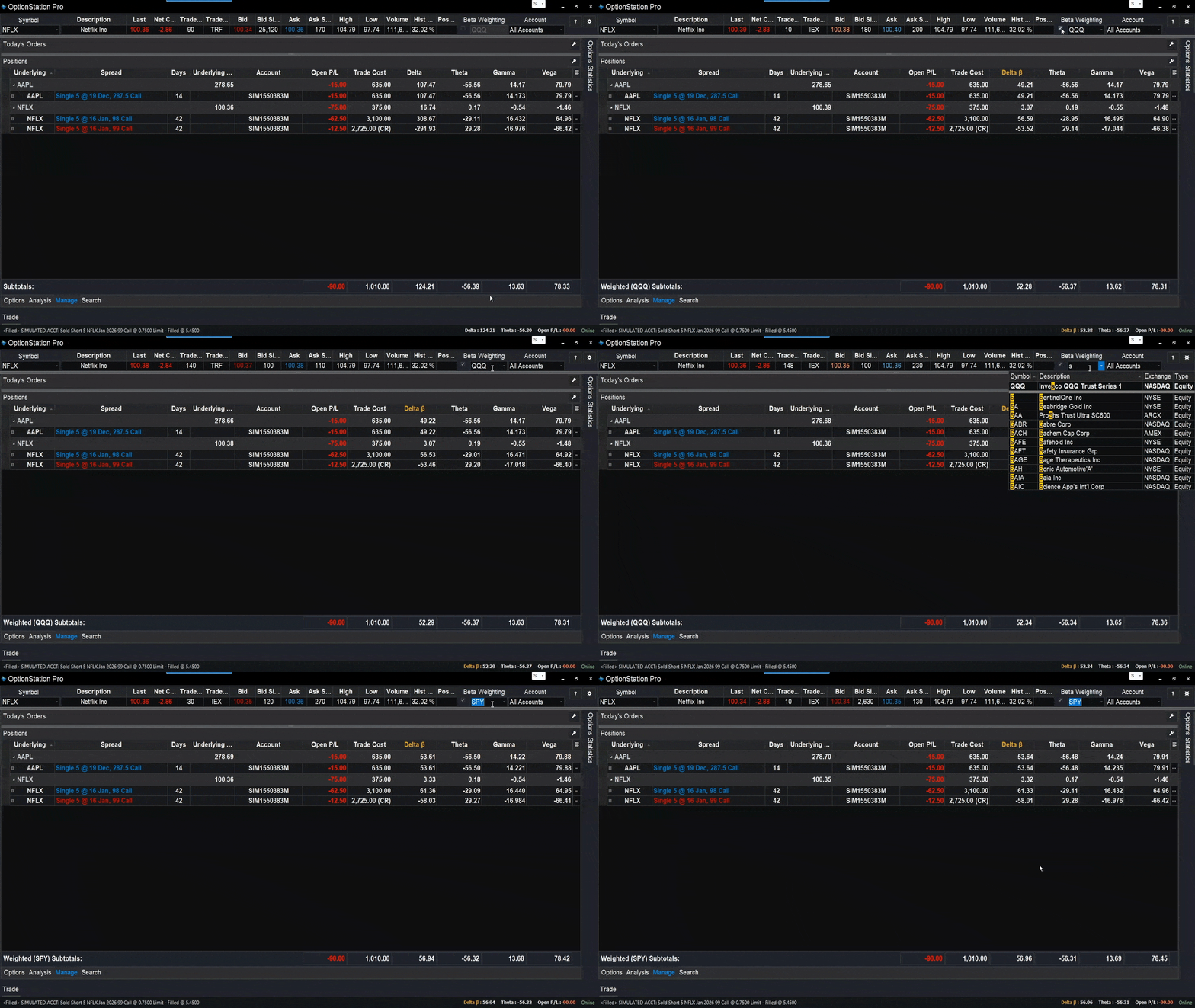
Portfolio Greeks
Visualize your portfolio's risk and return profile in real time. Instantly understand how changes in the market, volatility, and time will impact your positions.
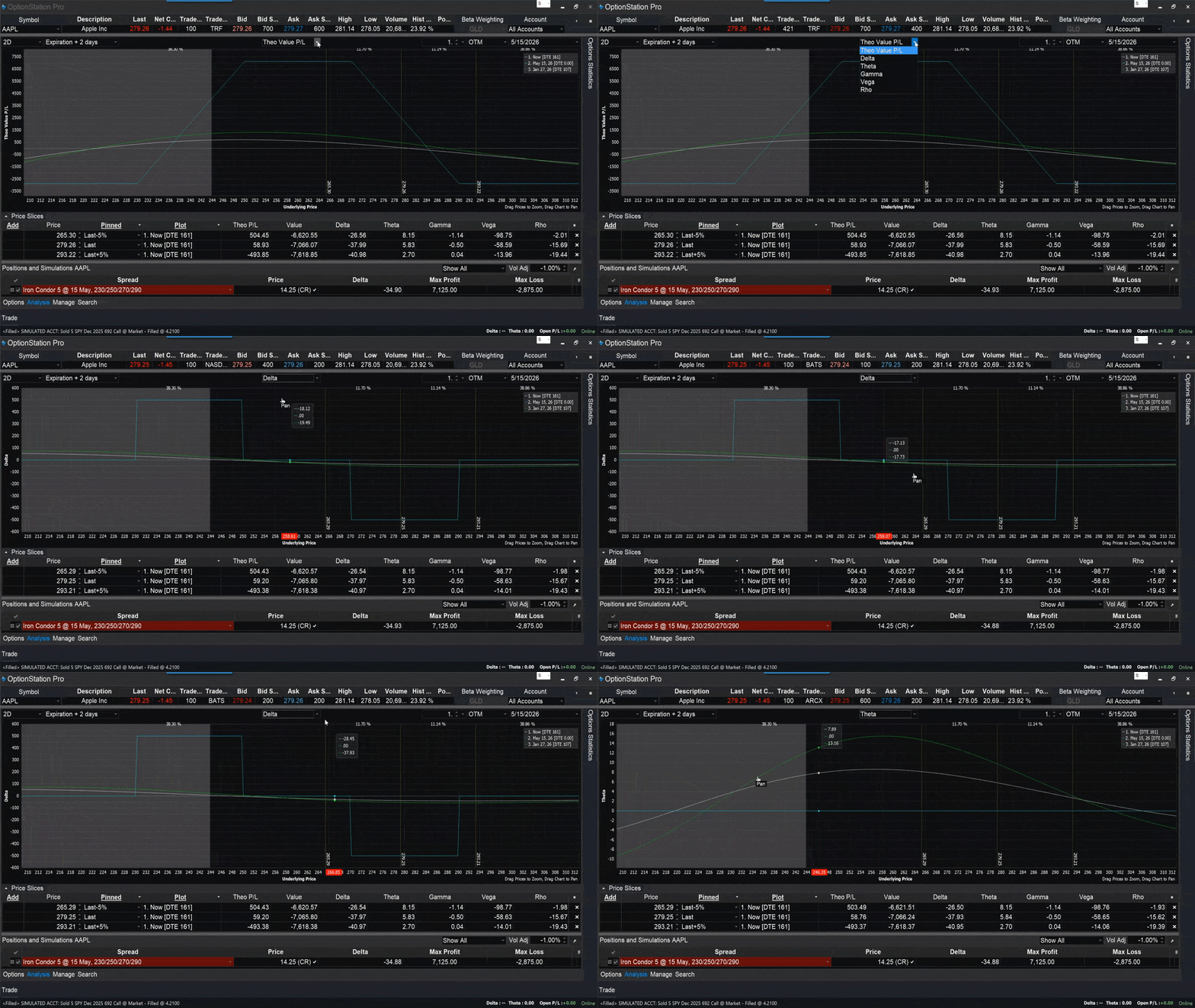
Greek isolation views
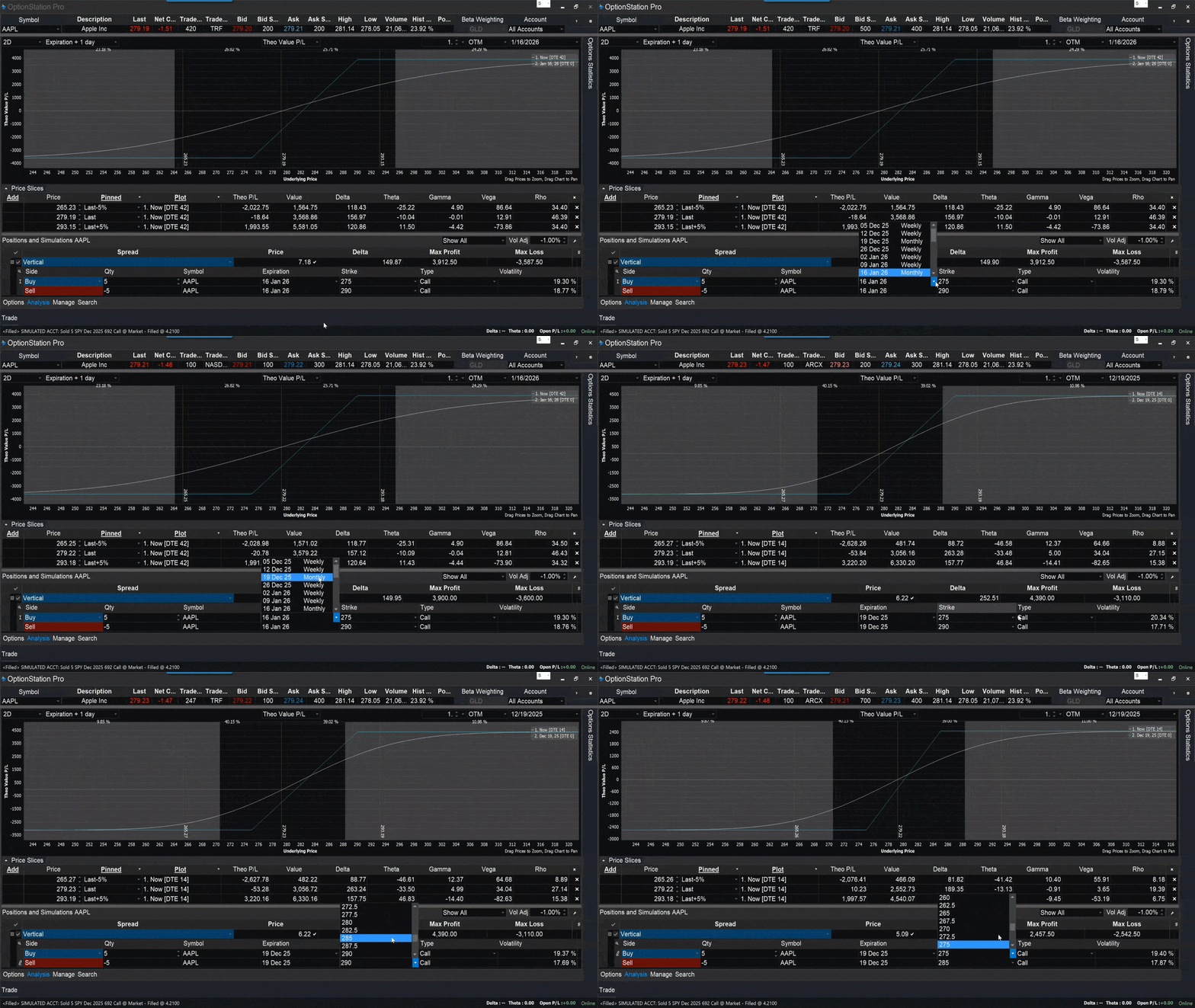
Toggle Delta, Theta, Vega curves and overlay today vs expiration lines to pinpoint which risks dominate at different prices and dates.
Adjustment planning
Model rolls, closes, or strike/expiry tweaks directly on the graph to visualize outcomes, then stage or route the chosen change when ready.
Supercharge your entire trading workflow
Take your trading even further with RadarScreen, hotkeys, and the TradeStation Mobile App for a complete trading system.
Real-time scanning & alerts
Track up to 1,000 symbols with customizable watchlists and analysis columns in RadarScreen. Sort and rank by technical and price data, set alerts on your conditions, and pull movers right from Hot Lists.
Hotkeys for rapid adjustments
Manage multiple options positions with keyboard shortcuts and one‑click controls. Quickly flatten a symbol, modify stops, or scale out via Matrix and Chart Trading.
Cross-platform trading
Check Greeks on options chains and positions in the TradeStation Mobile App and stay synced across our platforms with our unified environment.
This is just the tip of the iceberg. The TradeStation ecosystem goes much deeper.
Looking for a specific feature? We literally can’t show everything we’re capable of on one webpage. Connect with our team to find out how we can support your trading style.
Satisfy your natural curiosity
Sign up to learn more about how your options trading can thrive in the TradeStation ecosystem.